language languages
Skip Navigation LinksStart page > Software overview > iDevice Manager start page

iDevice Manager

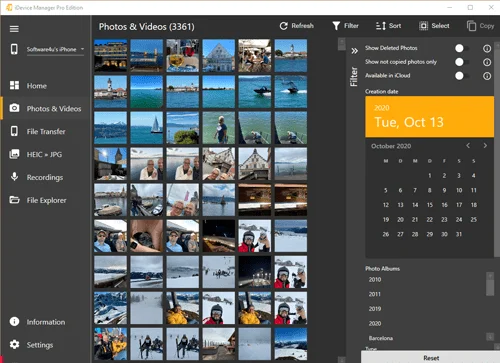
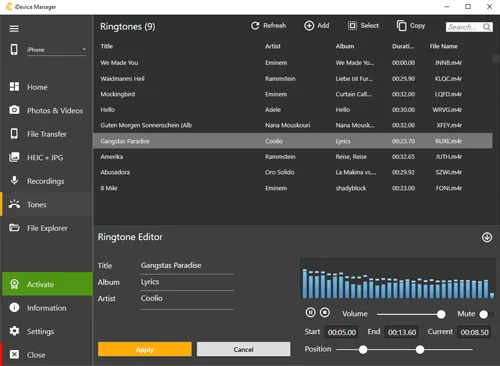
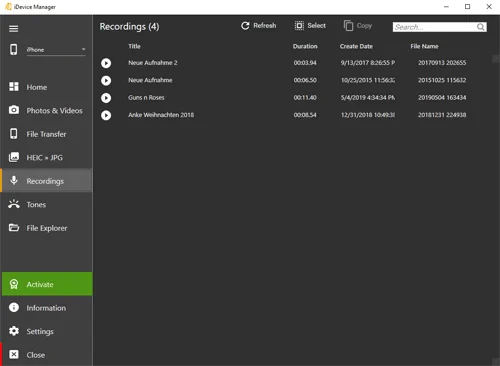
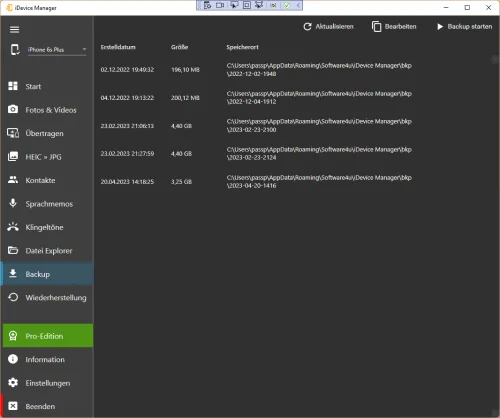
The iDevice Manager - formerly iPhone Explorer - helps music, photos, movies, SMS, WhatsApp messages, e-mails and ringtones from any iPhone, iPod Touch and iPad in an easy way to transfer on your computer. With the easily user interface, you can also save contacts as a vCard on the PC and assign specific ringtones certain people of your address book. The iDevice Manager can also contribute to transporting files and applications between your computer and the computers in the office or at friends.
Supported languages: 
GermanEnglish FrenchBrazil-Portuguese TurkishItalien Romaniansimplified Chinese traditional ChineseSerbian SpainRussian Bulgarian
1,632,502 downloads
Rating 4.8 (435 votes)  
4.8 (435 votes)
  Windows 8 Logo
Windows Logo
 64 Bit
  32 Bit

iDevice Manager, Your "All in One" tool for iPhone, iPad and iPod Touch

Reviews & Testimonial
"http://www.software4u.de/products/iDeviceManager/default.aspx?lng=en"
Rating 5/5
Easily transfer music from device to your Windows computer.
Easily backup SMS and iMessages from device to your Windows computer.
Read and backup your WhatsApp messages on your Computer or another storage.
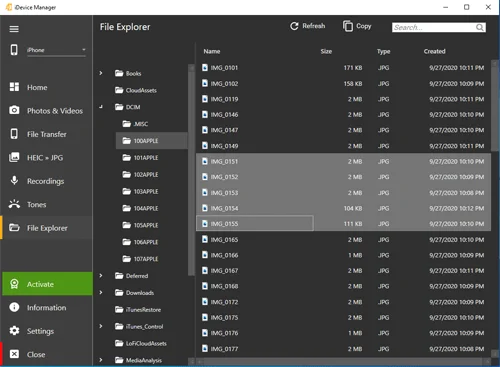
Use the iDevice as external storage to transfer files and apps between home and soffice or friends.
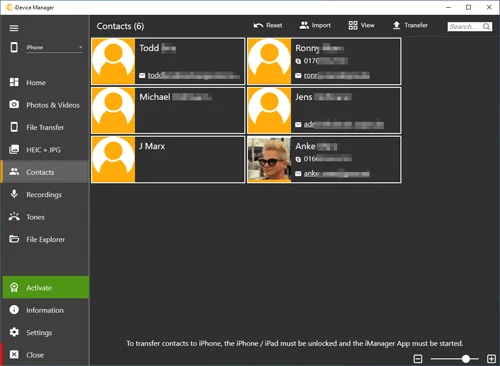
Edit our addressbook contacts easily on your Windows PC and export as vCard file format.
Overview about all features and supported devices.

Music Transfer
With the iDevice Manager you can find, play and download your favorite music on your iPhone, iPad or iPod by using of the universal search. Are songs be gone in the iTunes library so you can easily add the songs from iDevice to iTunes.
Music Transfer

SMS Transfer
SMS Transfer
If you like archive your SMS, MMS and iMessages from iPhone on the computer, than you have with the iDevice Manager the right tools. The App reads all SMS, MMS and iMessages including attachments such as pictures, contacts, documents from the device and displays them in speech bubbles like on iPhone or iPad. To save the messages offers the program in the context menu or by the "Download" button an export as text file per message or all messages in a CSV file. To find specific messages, has the iDevice Manager a comfortable search function to search for text messages, senders, contacts or messages which are sent or received at a specified date.

WhatsApp Transfer
Also cool as the backup of the SMS, is the function to read or download the WhatsApp messages from iPhone, iPad and iPod Touch. Also WhatsApp messages can you transfer from iDevice, include video, photos and other files, to the local computer or to a network drive or a NAS. For a ideal user interface provides the WhatsApp module a search for every need and desire. The presentation of the messages is also in speech bubbles.
WhatsApp Transfer

Use as disk
Use as disk
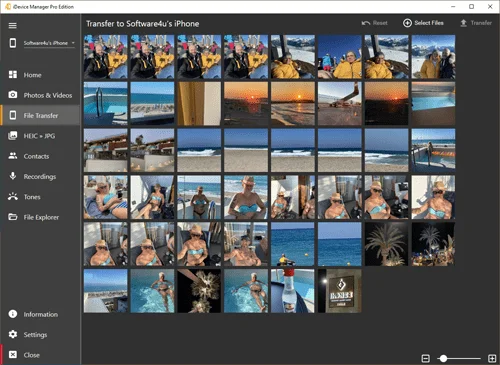
Anyone who often travels for the company or works at home, knows the problem. How do I get files without much effort from place A to B. The iDevice Manager has the solution. Use the iPhone, iPad or iPod as a portable hard disk and transporting any files and programs from one computer to another! Whatever the files, it's are MP3, PDF files, pictures, programs, etc. all that can be shared between computers. Just copy the desired data by drag 'n drop into the module "Storage" of the iDevice Manager and on the target computer drop back. That's all!

Organize contacts
Most iPhone and iPad users use for phone calls, for sending messages such as SMS and e-mail, the Contacts from device. In order to keep up to date these, it is essential to synchronize with a mail account such as Outlook, Google and others. The contact editing on iPhone is limited by the small display. Why not comfortable on the PC and synchronize with by iCloud to the mail account? The iDevice Manager here! With the program can you edit phone numbers, email addresses, home and business addresses, contact notes and contact images. Who’s wants to save the data in vCard format, they can do that. Editing is only possible for devices with jailbreak.
Become a fan on Facebook!
 
  Windows 8 Logo
Windows Logo
 64 Bit
  32 Bit
Advertising